QR Code for Wedding Photos: Setup Guide for 2026

Wedding Snap

Wedding Snap

10/16/2025

#qr code for wedding photos
QR Code for Wedding Photos: Setup Guide for 2026

QR Code for Wedding Photos: The Complete Setup Guide for 2026

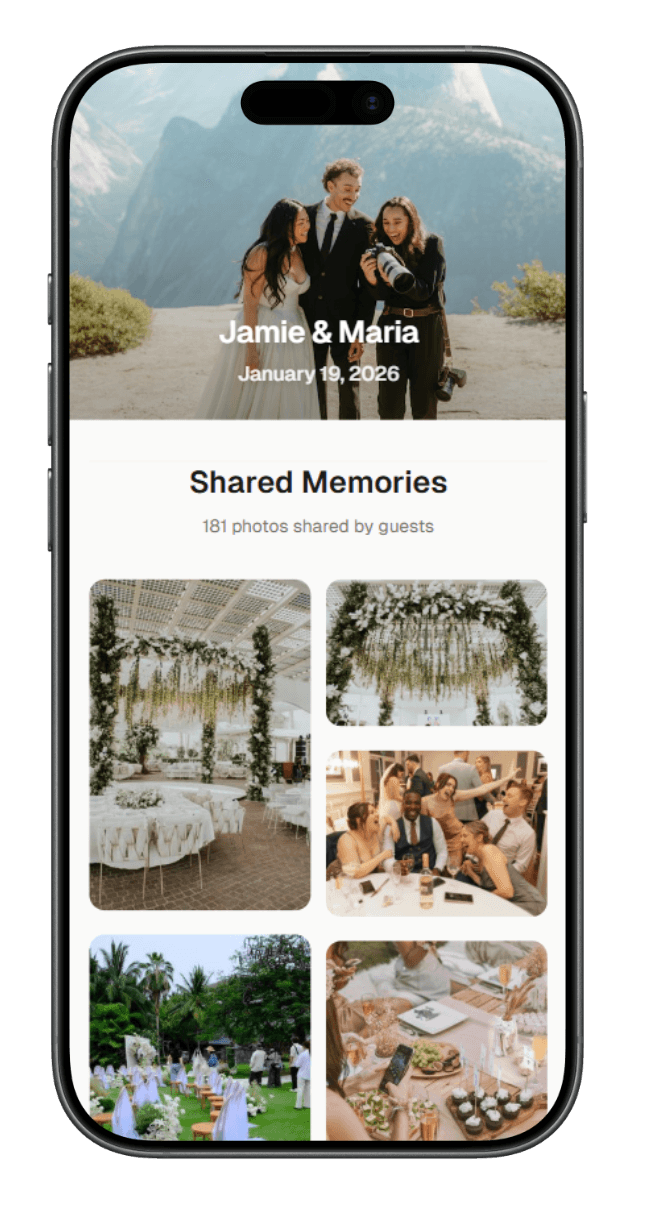
A QR code for wedding photos is the fastest way to collect guest pictures—no apps, no accounts. Follow this compact setup to keep it beautiful and effective.

1) Create the Link & Code

  • Make one upload page for all guests (dynamic link preferred).
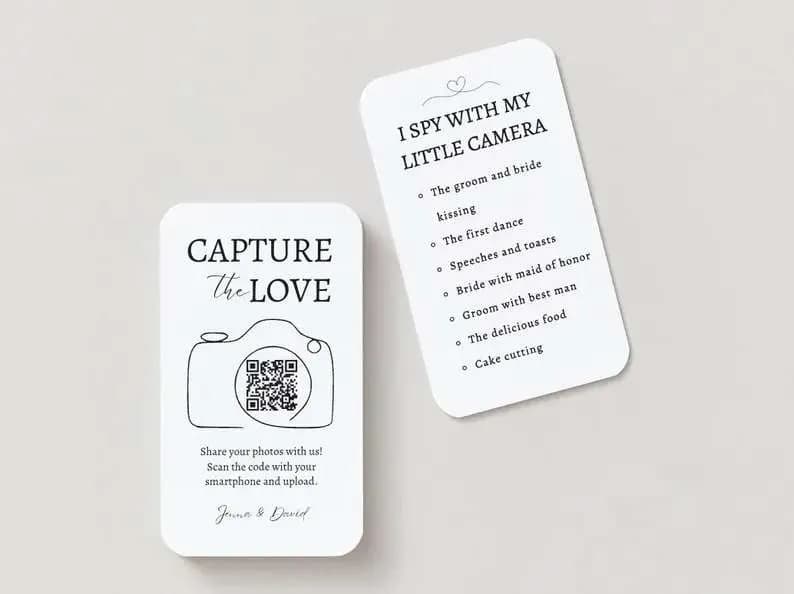
  • Generate a QR code and add a short URL under it.
  • Test on iPhone + Android (Camera → Scan → Tap → Upload).

2) Design That Blends In

  • Contrast: dark code on light (or vice-versa) for instant scans.
  • Copy: "Scan to share wedding photos • Scan → Tap → Upload."
  • Sizes: Tables 4×6/5×7, Welcome 11×14/16×20, Programs 2–3".

3) Place Where Eyes Go

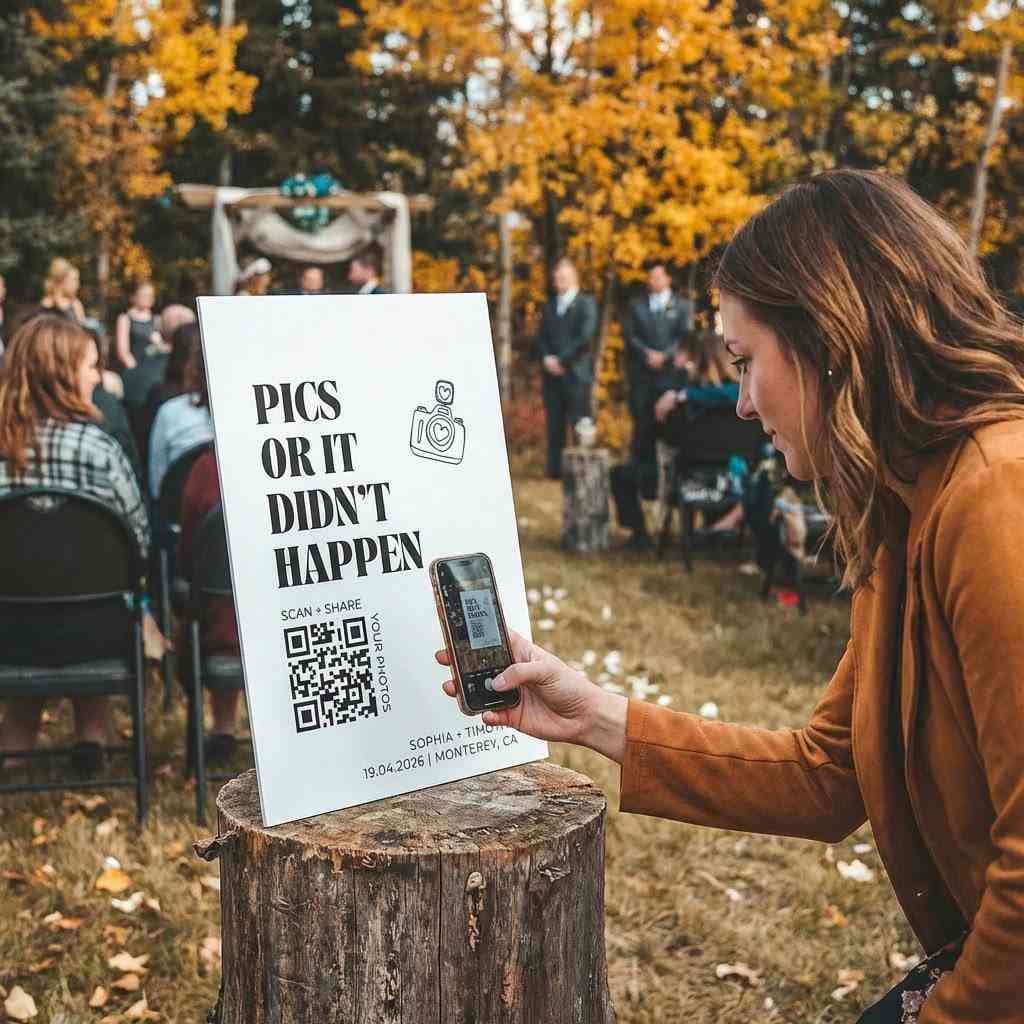
  • Must-have: every reception table + main welcome sign.
  • Nice-to-have: bar, dessert table, photo booth, DJ booth.
  • Keep signs upright, well-lit, and glare-free.

4) Tell Guests—Briefly

  • DJ/MC cues: "Scan the table QR to share your photos!"
  • Add a one-liner on your wedding website and ceremony programs.

5) Make Uploads Frictionless

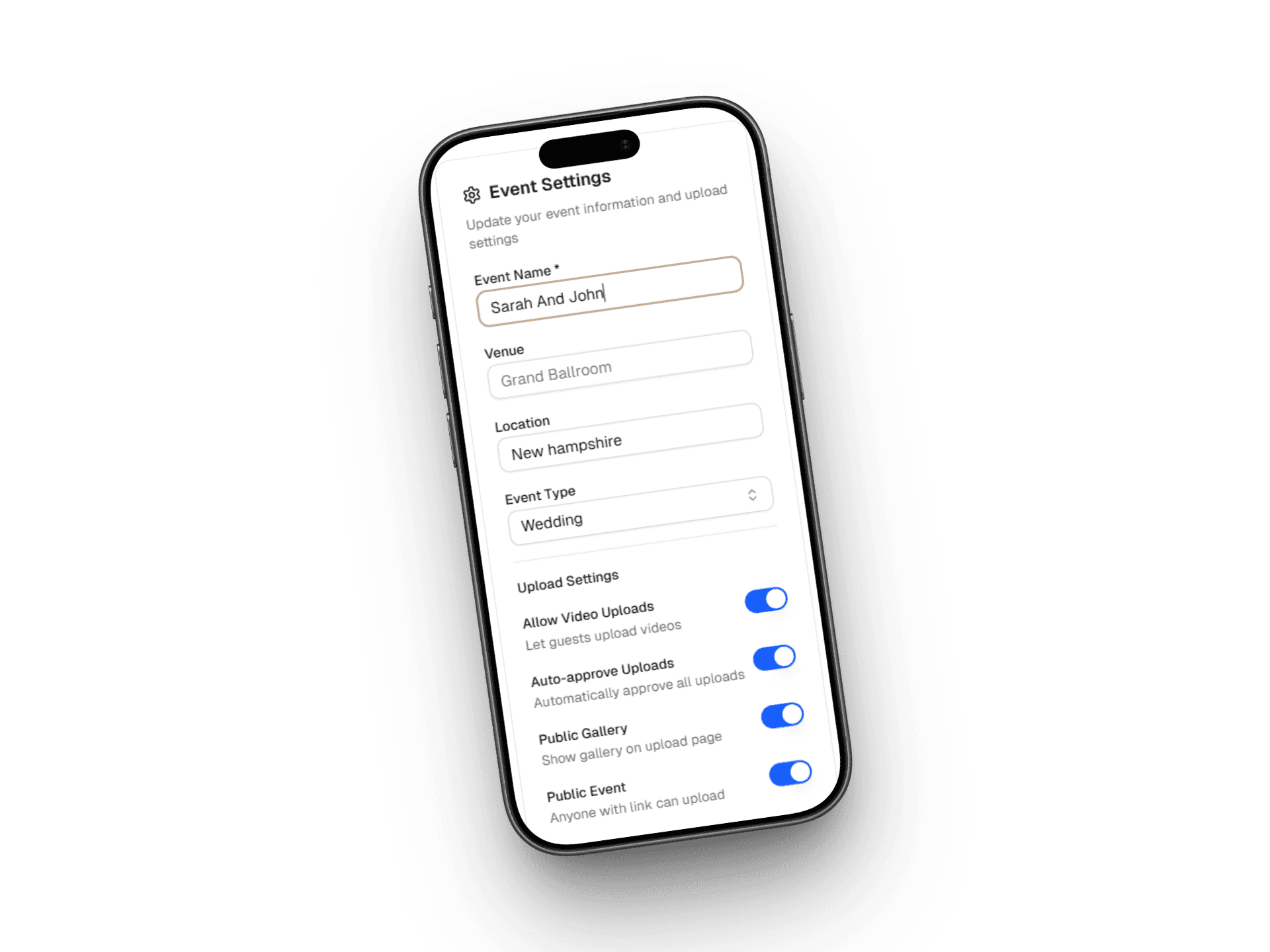
  • No login, minimal fields, support large photos/videos.
  • Show "Thanks—upload received!" confirmation.

6) After the Wedding

  • Download within 48 hours and back up.
  • Sort into folders: Ceremony / Cocktail / Reception / Dancing.
  • Curate highlights for thank-you notes or a next-day post.

Quick FAQ

Is it private? Use a unique link; disable uploads after the event.

Non-scanners? Print a short URL; keep one helper device at the welcome table.

Multiple codes? One code is simplest; add duplicates of the same link around the venue.


Want to dive deeper? Explore 15 creative wedding QR code ideas that go beyond photo sharing, from digital guest books to interactive playlists.

Ready to get started? Try WeddingSnap.io for custom-designed QR codes that match your wedding aesthetic.