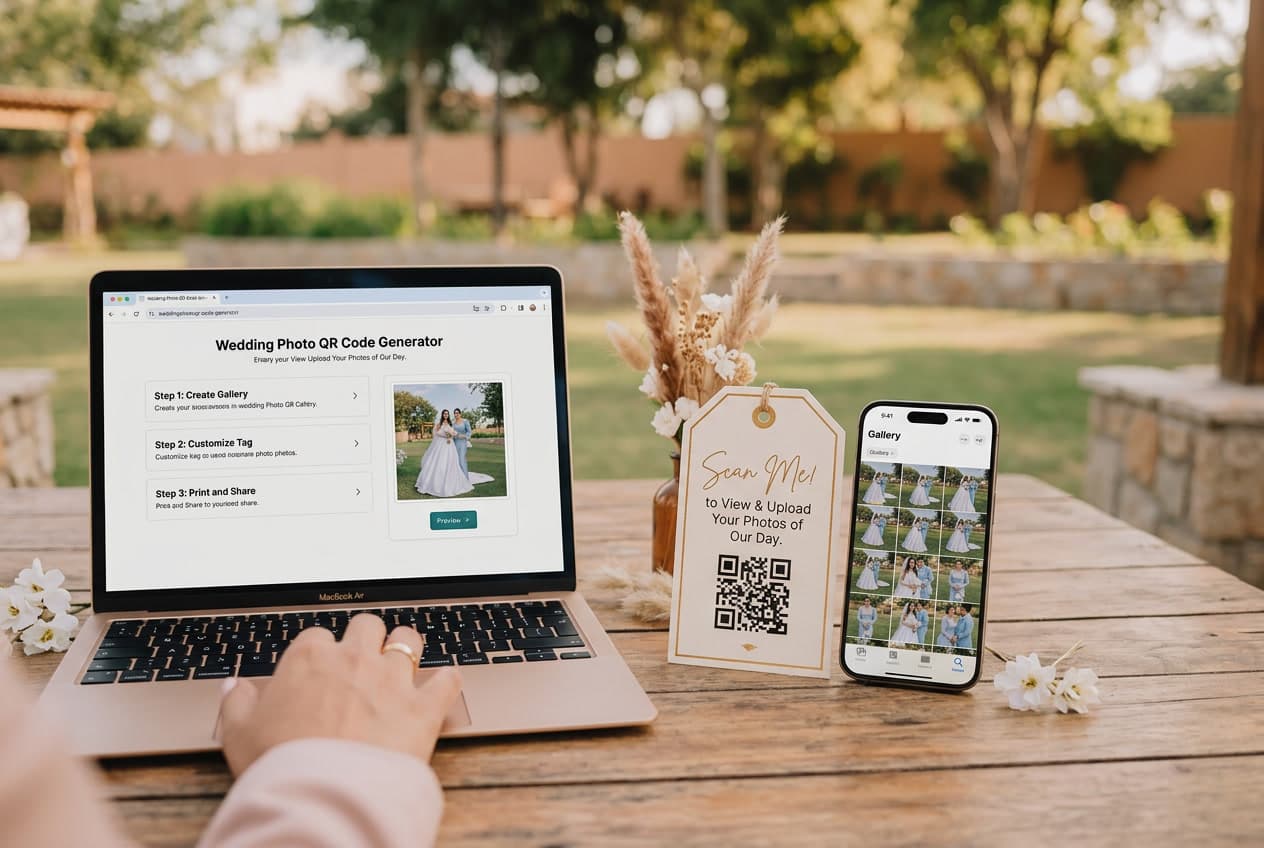
You've spent months planning the flowers, the music, the seating chart. This part takes 2 minutes and might be the thing you're most grateful for afterward.
A QR code for wedding photos lets every guest share their pictures to one private album. They scan a code on their phone, pick their best photos, and upload. No app. No login. No group chat that dies after 3 days.
Here's exactly how to set one up — step by step.
Step 1: Create Your Event (30 Seconds)
Pick a platform that offers browser-based QR code sharing — meaning guests don't have to download an app. This is non-negotiable. We've seen on our platform that app-free upload flows get more than double the participation of anything requiring a download.
On WeddingSnap, you enter your names, wedding date, and that's it. Your private album is live. There are other options too — we compared them all in our honest comparison of wedding photo sharing apps.
What to look for in any platform:
- No app download for guests (browser-based scanning)
- No guest account creation required
- Unlimited photo and video uploads
- Full-resolution downloads (not compressed)
- A one-time fee, not a subscription you'll forget to cancel
Step 2: Download Your QR Code (10 Seconds)
Once your event is created, the platform generates a unique QR code. Download it as a high-resolution PNG or PDF. This is the image you'll put on your signs.
Some platforms let you customize the QR code style — rounded corners, a heart in the center, your wedding colors. Nice touches, but the important thing is that it scans reliably. Test it with your own phone before printing 20 copies.
Step 3: Design and Print Your Signs (5-15 Minutes)
This is where you can get creative or keep it dead simple. Both work.
The quick way: Use a free template
We offer free downloadable QR code sign templates — classic, floral, minimal, modern, and elegant styles. Download, drop in your QR code image, customize with your names, print. Done in 5 minutes.
The custom way: Design your own
Open Canva (free), create a 4×6 inch or 5×7 inch design. Add your QR code image, a heading like "Scan to Share Your Photos," your names, and any decorative elements that match your stationery. Print on thick cardstock — 80lb or heavier.
Where to print
- At home: Perfectly fine for small weddings. Use the highest quality setting and heavy paper.
- At a print shop: FedEx Office, Staples, or a local printer. Costs $10-20 for 15-20 cards.
- Professional printing: WeddingSnap offers professional QR code card printing starting at $35 — printed on premium cardstock and shipped to your door.
Step 4: Place at Your Venue (5 Minutes on Wedding Day)
Where you put the QR code matters. The right placement can double your photo collection.
What works best:
- One card per table — not one sign at the entrance. Cards on tables get picked up; signs get walked past.
- Cocktail hour bar — guests are standing around with drinks and phones. Prime upload time.
- Photo booth area — if you have one, put a QR code there too. People are already in photo mode.
- Welcome table — a framed QR code sign next to the seating chart catches early arrivals.
The DJ trick that doubles participation:
Ask your DJ or emcee to mention the QR code once during the reception: "Hey everyone — scan the QR code on your table to share your photos tonight." We've seen this single announcement more than double the upload rate compared to silent placement alone. It takes 10 seconds and it works every time.
What Happens Next
Guests scan the code, their phone browser opens, they tap "Upload," select photos from their camera roll, and they're done. The whole process takes about 10 seconds per guest.
You'll see photos start appearing in your album during cocktail hour. The biggest wave comes between 9pm and midnight — the dance floor, the toasts, the candid late-night moments your photographer already packed up and missed.
By the morning after your wedding, you'll have an album full of moments from angles you didn't know existed. April and May weddings on our platform see roughly 3x the event volume of summer months — and those spring couples are consistently the ones who tell us the guest photos were their favorite keepsake.
Sign Sizes and Design That Actually Scans
Two design mistakes account for nearly every code that gets ignored: it's too small for where it's sitting, and there's not enough contrast to lock focus quickly.
Size by placement:
- Table cards: 4×6 or 5×7 inches. Big enough to read at arm's length while seated.
- Welcome signs and easels: 11×14 or 16×20 inches. People scan these from several feet back.
- Programs, menus, and place cards: the code itself 2–3 inches square. Below that, older phone cameras start to struggle in dim reception lighting.
Contrast: a dark code on a light background, or the reverse. Not a pale code on a busy watercolour, however well it matches the invitations — the camera needs a clean edge to find.
Wording: tell guests what happens rather than what to do. "Scan to share your wedding photos" beats "Scan me," and a short second line — Scan, tap, upload — removes the last bit of hesitation.
Print the short link underneath. This is the single most useful thing on the card. Any guest whose camera won't cooperate can type it in instead, and it costs you one line of small text.
After the Wedding
Give it about 48 hours before you download. Most guests upload the day after, and a second wave arrives once people scroll back through their camera roll.
- Download at full resolution and back up twice. One copy on a drive, one somewhere else. You have a year to do this — do it in the first week anyway.
- Sort by moment, not by guest: ceremony, cocktail hour, reception, first dances, late night. It's how you'll actually want to look back through them.
- Pull a few for thank-you notes. A candid of you with that specific guest turns a card into something they keep.
- Close uploads when you're ready. Once the last stragglers have shared, turning uploads off keeps the gallery final.
Common Questions
"What if guests don't scan it?"
Some won't. That's fine. Between the table cards, the DJ mention, and general peer pressure ("oh you have to scan that thing, I just uploaded my photos"), you'll typically get participation from the majority of guests. Even 50% of a 150-person wedding gives you 75+ contributors — hundreds of unique photos.
"Can older guests use this?"
If they can scan a restaurant menu QR code, they can scan yours. Browser-based platforms don't require any app download — it's literally point camera → tap link → upload. We've seen grandparents do it with zero help.
"What about data/WiFi?"
Cell data works fine. Most guests have unlimited data plans. Photos upload in the background — they don't need to wait. Some venues offer WiFi, which helps, but it's not required.
For every other way couples are using QR codes on the day — guest books, menus, song requests, seating — see our wedding QR code guide. If you would rather skip straight to setting one up, the QR code for wedding pictures page walks you through it in about a minute.
Ready to set yours up? Create your wedding QR code — takes about 2 minutes. Or browse free sign templates first.