Our pick
WeddingSnap QR Code
What works
- Guests scan and upload in seconds
- Every photo lands in one place at full resolution
- You wake up the morning after with all of it waiting
- One-time $39.99 and it's all yours for a year
One little QR code on your tables, and every guest becomes part of the story. Photos land straight in your private gallery — no app, no account, no chasing anyone down the next week.
Not sure yet? See a live demo
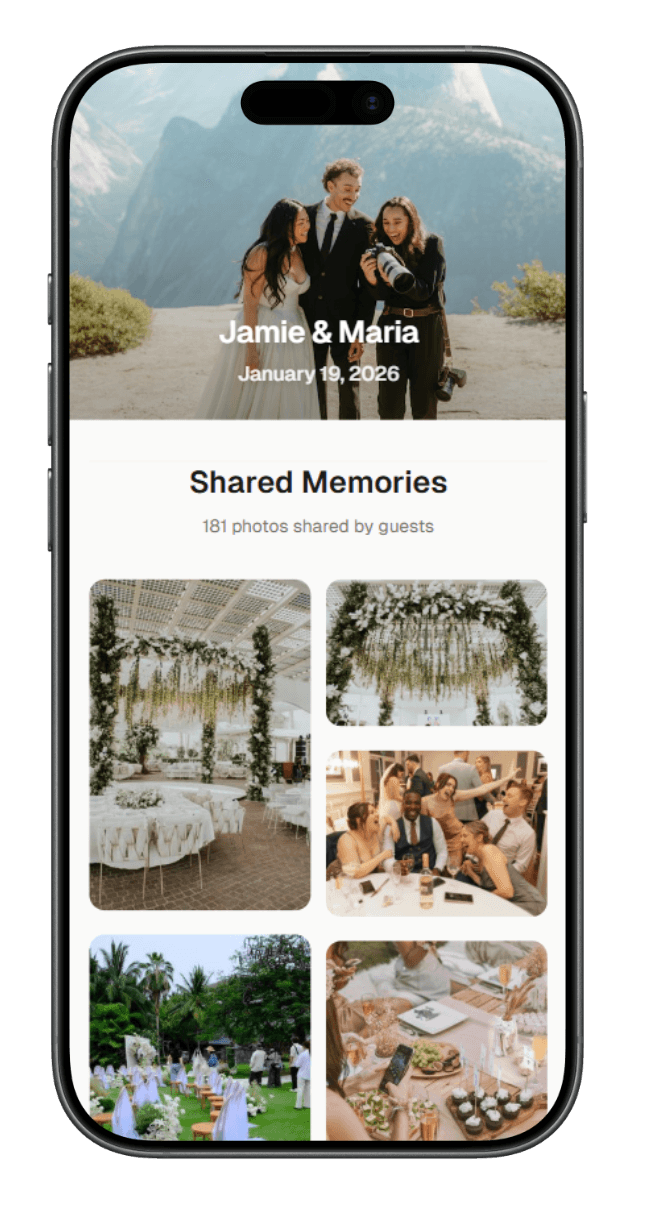
12+ photos uploaded
by Guest · 3 seconds ago
Full resolution
Share The Love
Scan to upload photos & videos
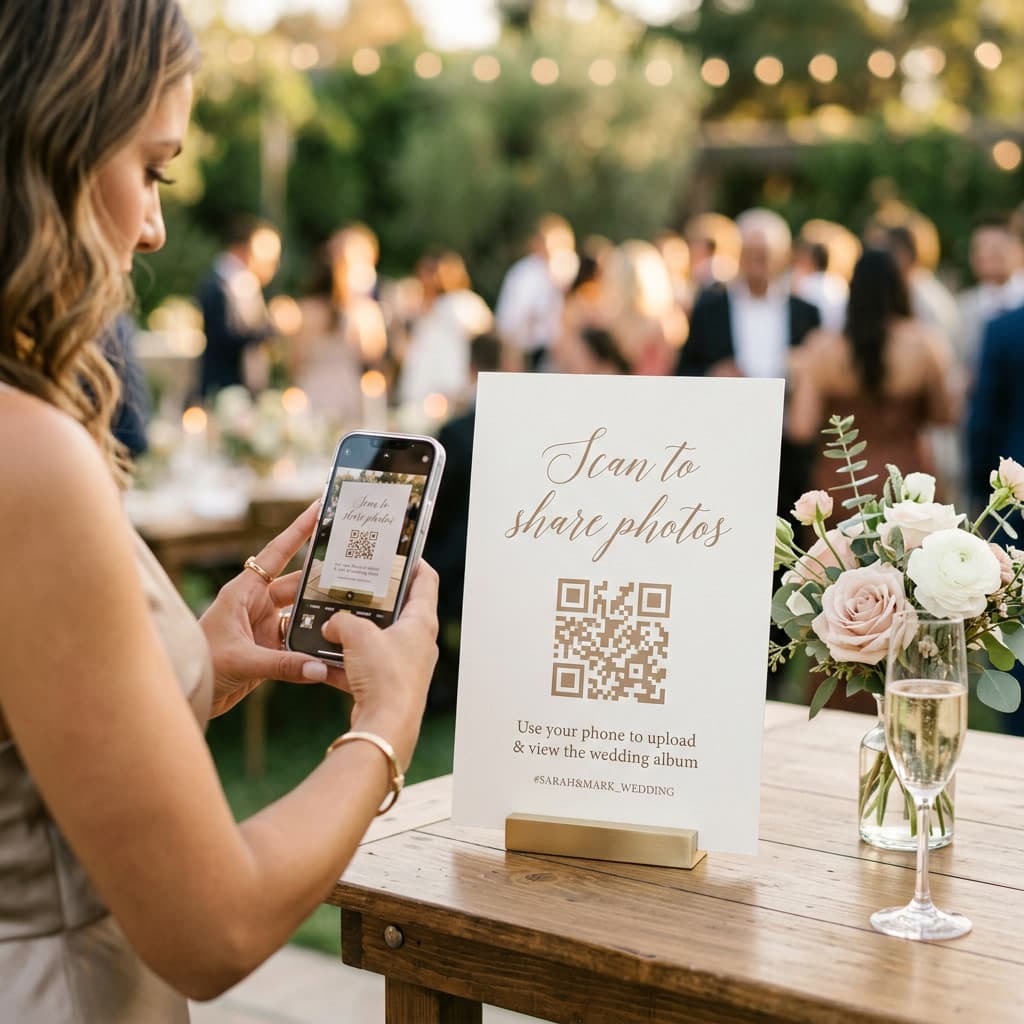
A wedding QR code is a small scannable square that links to your private wedding photo gallery. Guests point their phone camera at it, tap the link that pops up, and start adding photos in seconds. Nothing to download. No account to create. No password to remember. It all happens right inside the camera they already know how to use.
Every angle of your day
Your photographer captures the planned moments. Your guests capture the unplanned ones — the real ones.
Nothing to download
Grandma's phone works. The tech-averse uncle's phone works. If they can scan, they can share.
One gallery, yours to download and keep
No more hunting through group texts six months later. Everything lands in one place you'll actually want to revisit.
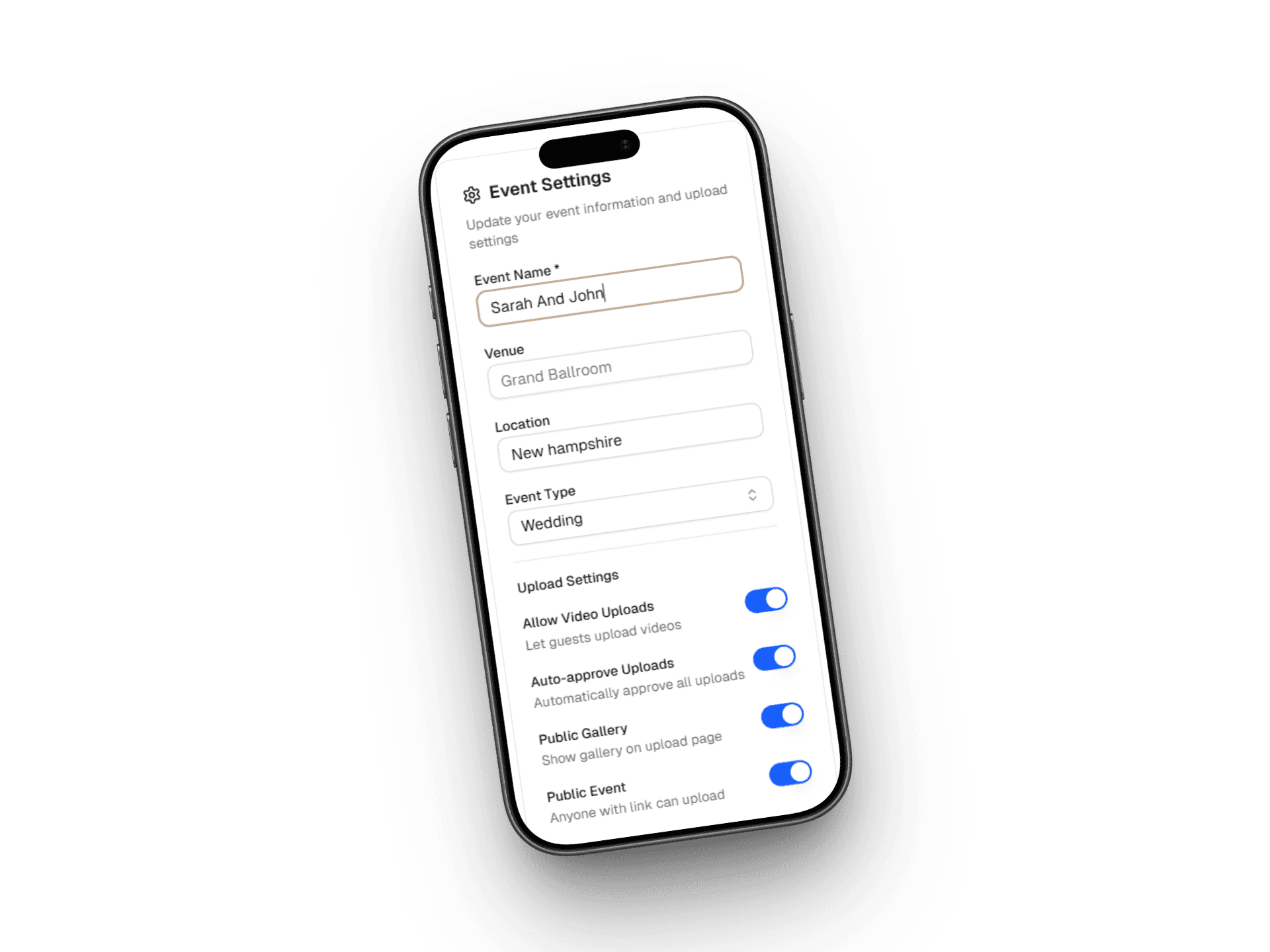
Add your names and your wedding date. That's it — your gallery is live in about 30 seconds.
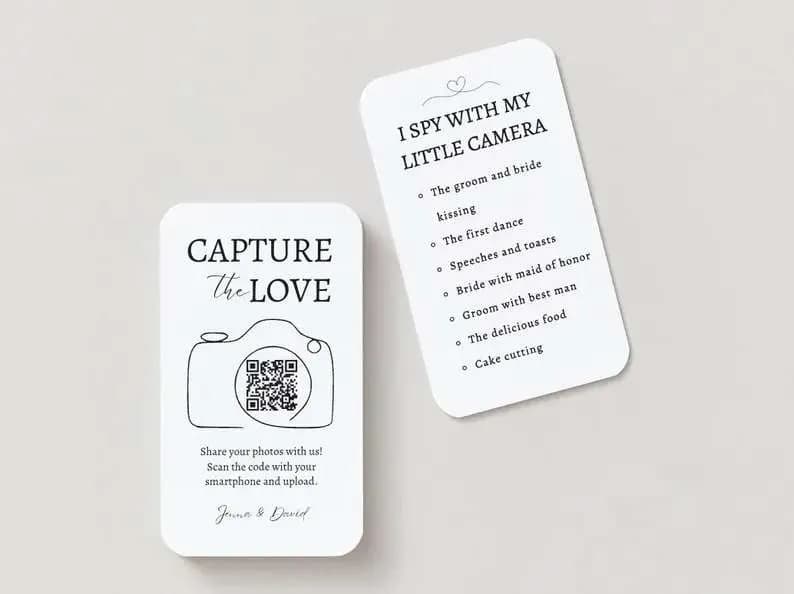
Save a high-resolution PNG or PDF, or pick a designed template that matches your wedding style.
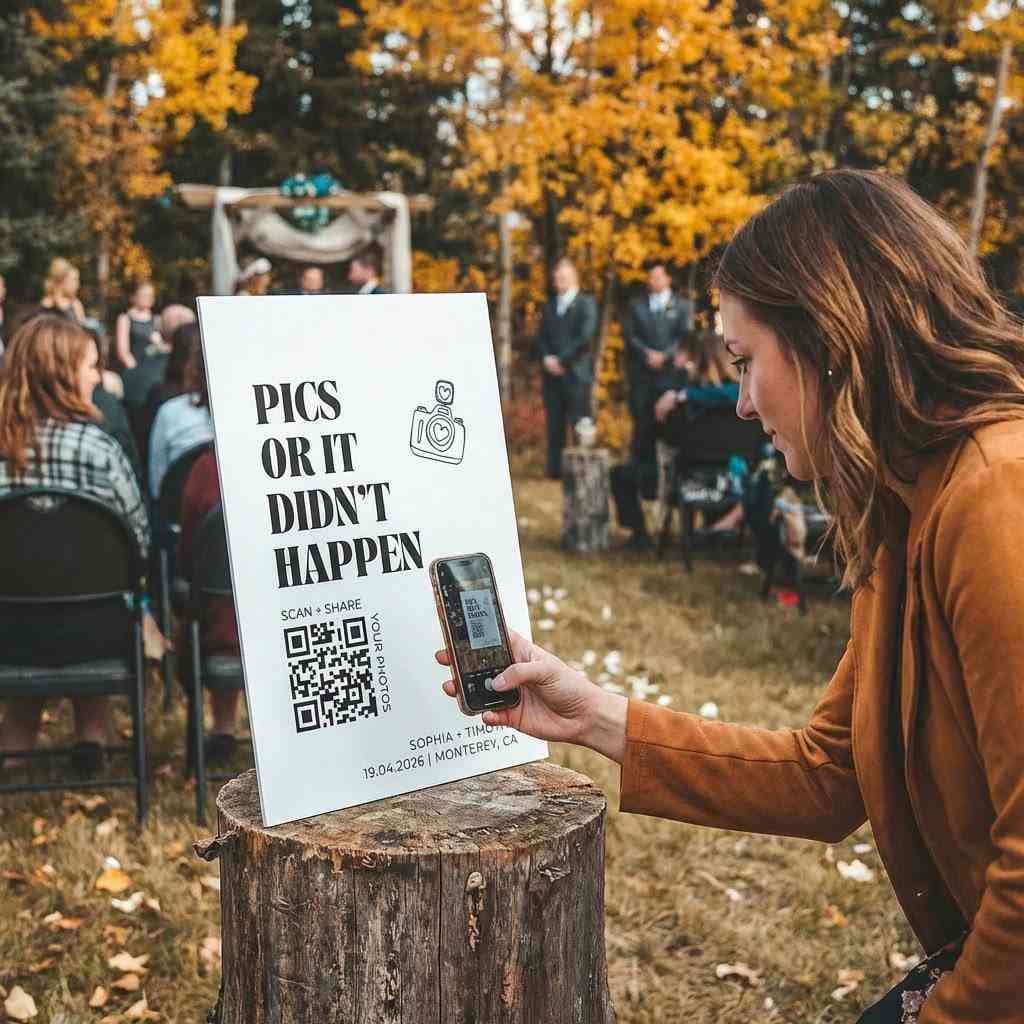
Set it on table cards, a welcome sign, the program, or anywhere guests will see it.
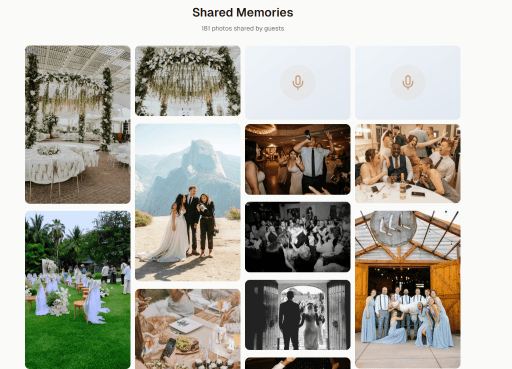
Guests point their phone camera at the code. Photos land in your gallery instantly — no app, no login.
If a guest's phone has a camera, it works. iPhone, Android, grandma's phone, your cousin's cracked screen — all of it.
Your photographer captures the planned moments. Your guests capture the real ones — the laughs, the tears, the dance floor chaos.
No more digging through group texts or blurry screenshots. Every photo lands in one curated place, in order, easy to find.
Every photo stays at original quality. Perfect for prints, albums, and the slideshow at your first anniversary.
Pay once. No subscription, no renewal, no surprise charges after the honeymoon.
Choose a QR code that fits your invitation suite — florals, minimalist, modern, or classic.
Here's what it actually feels like to collect wedding photos the other ways — and why WeddingSnap is the one you'll tell your friends about.
Ready to collect every photo from every guest?
Table cards, the welcome sign, the program, even cocktail napkins. The more places it shows up, the more photos you'll wake up to.
A quick note during the welcome or a small sign by the guest book goes a long way. Guests start capturing moments from the first hello.
A styled QR code feels like part of your wedding, not a tech afterthought. Choose a template that matches your invitations.
Start collecting photos your guests will love sharing.
Still have questions?
We're happy to help you set up your wedding gallery.
Create your QR code in 60 seconds and turn every guest into part of the story.
One-time payment · Setup in 60 seconds · Every photo yours