Ready in 60 seconds

A QR Code For Every Wedding Picture — Ready Tonight

Set up your QR code, print the templates we've made for you, and watch every guest's pictures arrive before your first look. No app, no chasing, no scrolling through group chats later.

Not sure yet? See a live demo

  • 60-second setup
  • Printable templates included
  • One-time $39.99
  • Full-resolution pictures
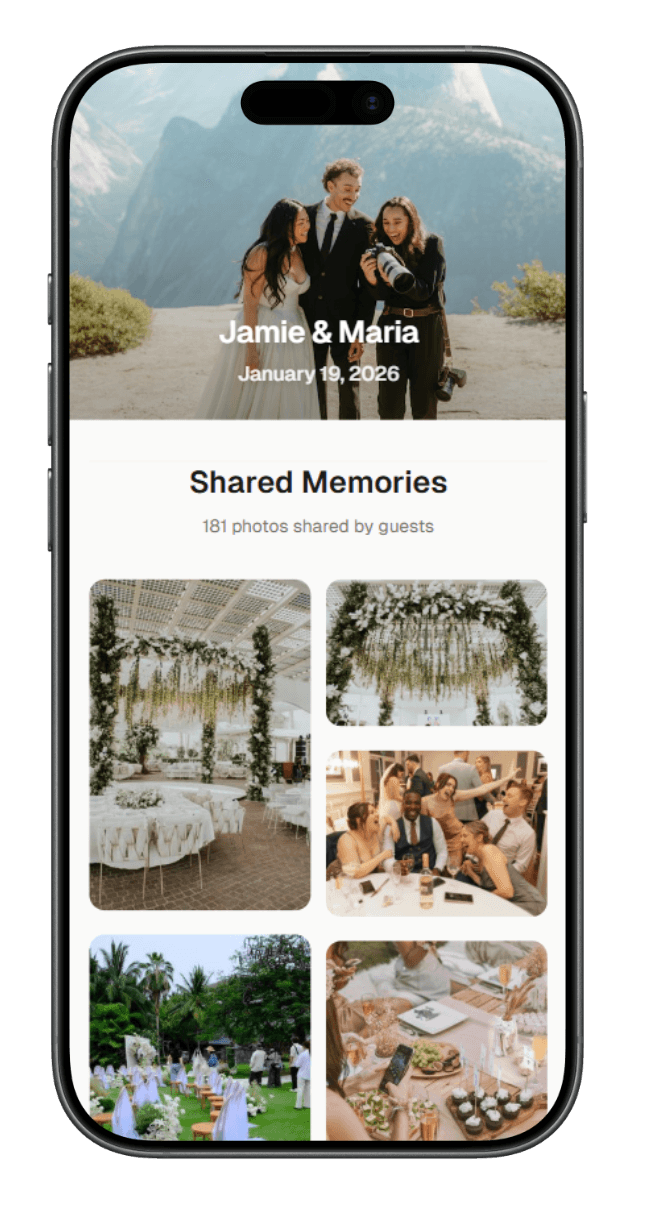
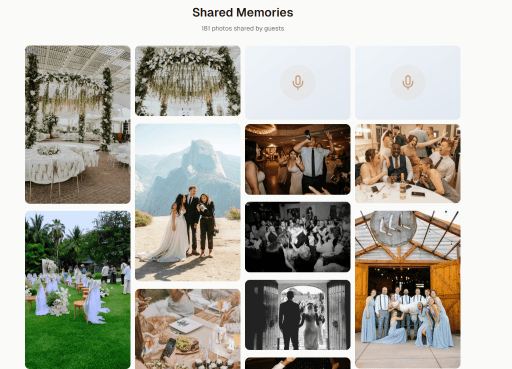
WeddingSnap app preview — guests scan a QR code to share photos
G12 photos just added

Share The Love

Scan to upload photos & videos

A QR Code That Gathers Every Wedding Picture In One Place

If you're already looking for a QR code for wedding pictures, you've mostly made up your mind. The only question left is how quickly you can get one set up and ready to print. With WeddingSnap, it's about 60 seconds from the moment you sign up to the moment your QR code is ready to download.

  • One code, one gallery

    Your QR links straight to a private gallery for your wedding — no apps to install, no account for guests to make.

  • Full-resolution pictures

    Pictures land at original quality, ready for albums, canvases, and the prints you'll hang on the wall.

  • Yours to keep

    Scroll at your own pace, pick the favorites, and download the whole collection whenever you're ready.

See pricing and what's included

From signup to your first QR code
60 sec
Storage per wedding
50GB
To download full-resolution photos
1 year
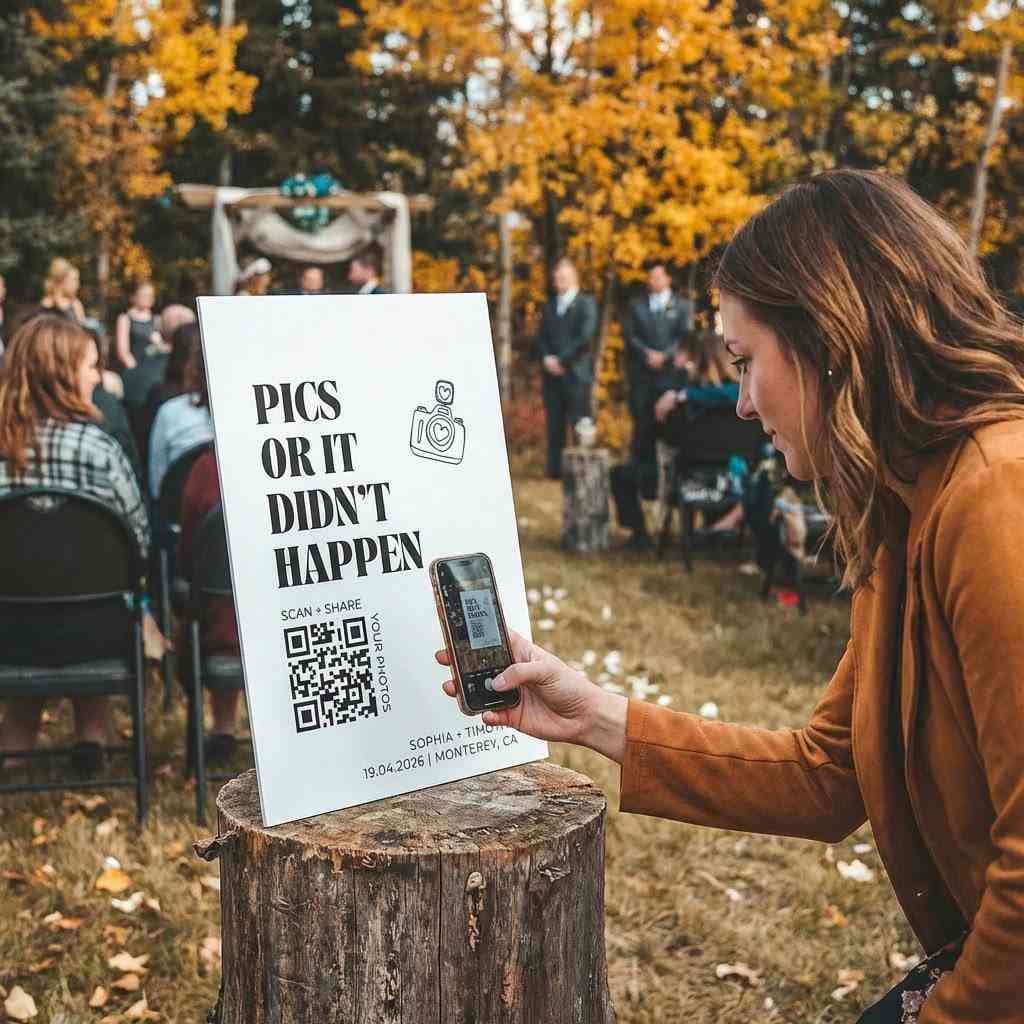
A guest scanning a wedding QR code to upload their photos
One code on the table. The camera opens the upload page — no app, no login.

How it works

How To Make a QR Code For Wedding Pictures

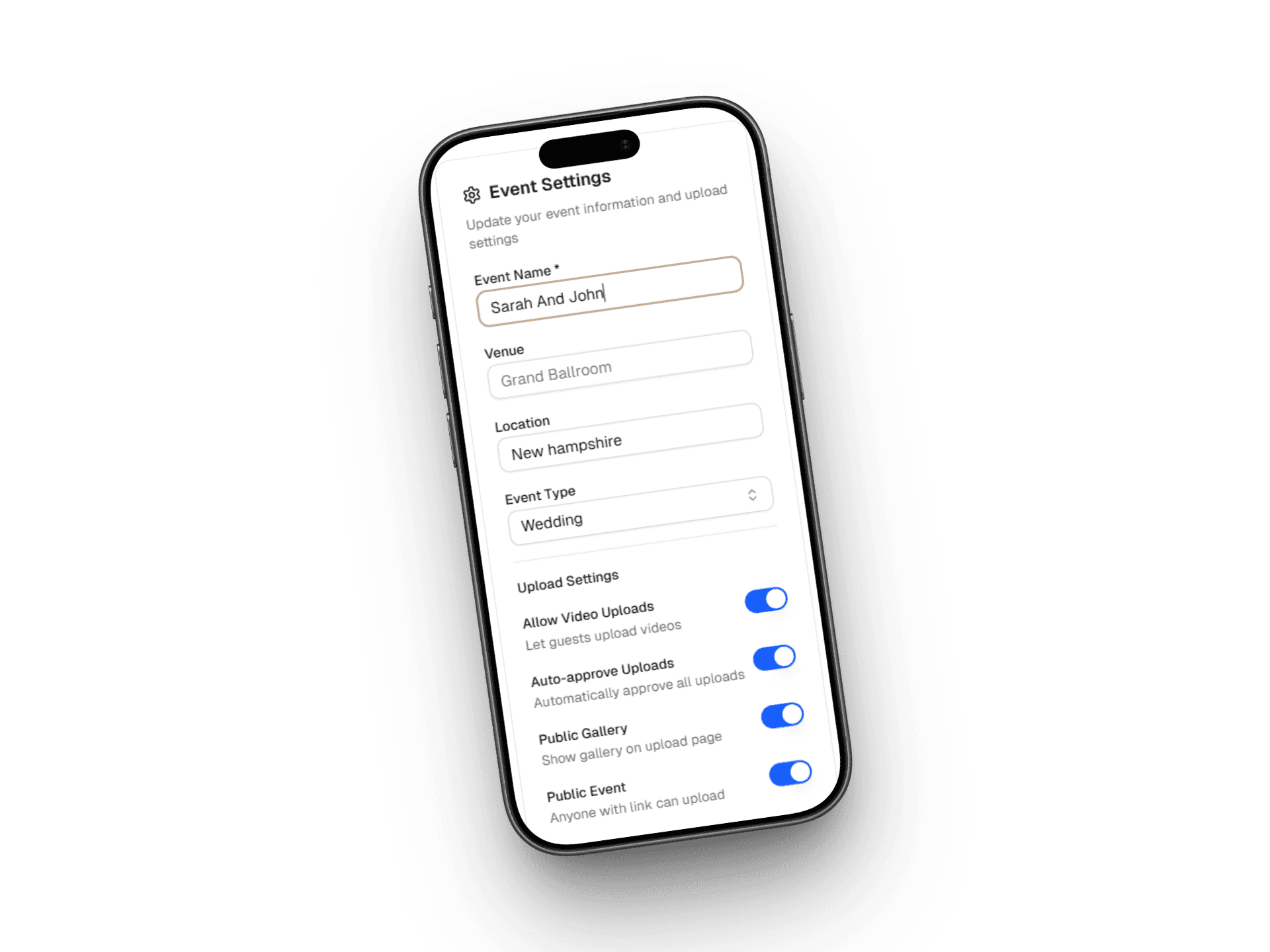
  1. Sign up and name your event

    01

    Sign up and name your event

    Enter your names and your wedding date. Your gallery is live right away.

  2. Get your QR code

    02

    Get your QR code

    Your wedding picture QR code is ready the moment your event is created. Download it as a high-resolution PNG or PDF.

  3. Pick a printable template

    03

    Pick a printable template

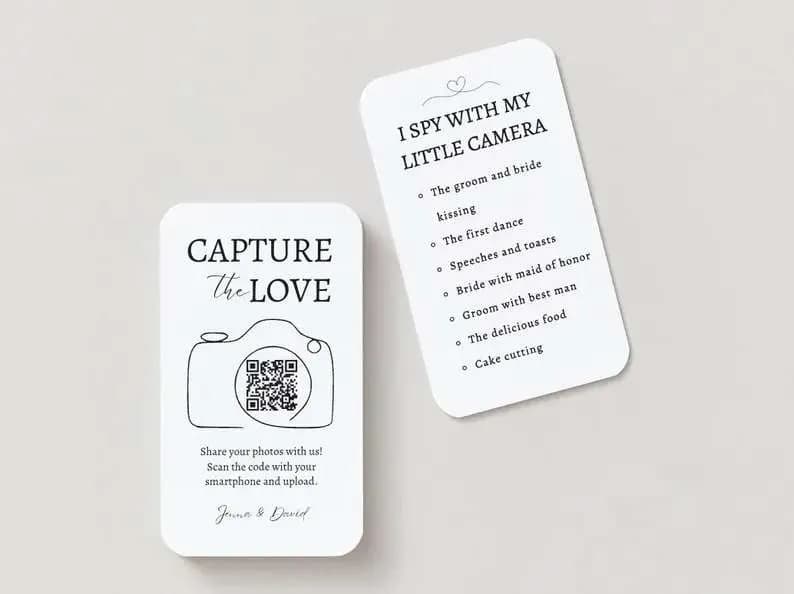
    Choose from table cards, welcome signs, and programs — designed for print, download-ready.

  4. Print, display, collect

    04

    Print, display, collect

    Print at home or through your stationer. Set it out at the wedding. Pictures start rolling in.

Why This Is The Easiest Way To Collect Wedding Pictures

Most loved

60-second setup

Create your account, name your event, and your wedding picture QR code is ready to download.

Printable templates included

Table cards, welcome signs, and programs — pre-designed and sized for print. Just add your QR code and go.

Works on every phone

Guests use the camera that's already on their phone. No app store visits, no waiting for anything to install.

Full-resolution pictures

Every picture uploads at original quality, so they're ready for albums, canvases, and prints.

50GB of storage

Room for thousands of pictures and videos — enough for even the biggest weddings with the chattiest phone cameras.

One-time $39.99

Pay once, keep your gallery for a full year. No subscriptions, no upsells to access your own pictures.

Print-ready templates included — table cards, welcome signs, programs, and more.

Where To Put Your QR Code At The Wedding

Most loved

Every reception table

The single highest-scanning spot. Put the card on the plate rather than beside it — guests pick up what's directly in front of them.

The welcome sign

The first thing guests read on the way in. A line about your gallery here sets the expectation before anyone sits down.

The bar

People wait here, phone already in hand, and it's where a lot of the best candids happen anyway.

The dessert table and photo booth

Two more places guests linger with their phones out. A small card at each one costs nothing and catches the late-evening crowd.

Menus, place cards, and programs

Anything a guest already holds is a free surface for your code. Your stationer can drop it in alongside the rest of the design.

Outdoors? Laminate and watch the glare

Keep codes flat and vertical rather than angled, make sure the spot is lit after sunset, and laminate anything that might meet weather.

How To Get Guests To Actually Scan It

Most loved

Have the DJ or MC mention it

A ten-second prompt from the microphone does more than any sign. Ask for it two or three times — at dinner, before the first dance, and near the end of the night.

Mention it before the day

One line on your wedding website and a note in the ceremony program means guests arrive already knowing what the code is for.

Print the short link under the code

Anyone whose camera won't cooperate can type the link instead. This is the fix for guests who find QR codes fiddly.

Test it on an iPhone and an Android

Walk the whole way through — scan, choose a photo, upload — on both before anything goes to print.

Turn it into a game

A short prompt on the card gives guests something to shoot. "Find the best dance move" or "catch the flower girl's reaction" beats a blank instruction.

Use thick card stock

Flimsy paper gets pushed aside or thrown away. A card that feels like part of your stationery stays on the table all night.

QR Code vs. Every Other Way To Collect Guest Pictures

You could paste a Dropbox link into a free generator and call it a day. Here's what actually happens with each of the alternatives.

Our pick

WeddingSnap QR Code

What works
  • A beautiful branded upload page that feels like part of your wedding
  • Guests never need an account or password
  • Printable templates ready to drop your code into
  • Pictures and videos arrive at full resolution
  • A full year to download the whole collection

Free QR generator with Dropbox or Drive

What works
  • Free to set up
What goes wrong
  • Guests need a Dropbox or Google account to upload
  • Permissions break right when people are trying to share
  • You have no templates and no real guest experience
  • Most guests give up and take the photos home with them

A shared Google Photos album

What works
  • Free and familiar to a lot of guests
What goes wrong
  • Guests still need a Google account to add anything
  • Uploads are compressed so prints suffer later
  • Video support is an afterthought
  • Nothing about it feels like part of your wedding

Disposable cameras on the tables

What works
  • Nostalgic and genuinely fun to use
What goes wrong
  • Roughly $15–25 per camera before you've developed anything
  • You won't see a single frame for weeks
  • A good share of the shots come out blurry
  • Nothing to hand back to guests afterwards

A wedding photo app guests download

What works
  • Purpose-built for weddings
What goes wrong
  • Every guest has to install something from an app store
  • Older guests stall at exactly that step
  • Each download is another chance to give up
  • Participation drops with every extra tap

AirDrop and group text threads

What works
  • Nothing to set up
What goes wrong
  • Pictures end up scattered across dozens of separate threads
  • Messaging apps compress everything on the way
  • Plenty of guests simply forget to send theirs
  • You are left chasing people for months

Free QR generator with your email inbox

What works
  • Free and simple on paper
What goes wrong
  • Your inbox becomes a flood of attachments
  • No gallery view and no organization at all
  • Photos arrive compressed by every email service
  • File size limits cut off the videos entirely

Free QR generator with a wedding hashtag

What works
  • Fun and brandable
What goes wrong
  • Only works for guests on Instagram
  • Private accounts never show up in your search
  • Photos come out compressed and low quality
  • No way to download the full collection for printing

Ready to collect every photo from every guest?

What To Look For In a Wedding QR Code Platform

Guest experience above everything

If a guest can't work it out in about ten seconds, the platform has failed. Scan to upload should work on any phone, old or new, with no download and no account.

Designs that match your stationery

Your sign shouldn't look like a tech company's marketing. Look for templates you can put your names, date, and colors on.

Full-resolution files

Some platforms compress what guests upload. That's fine on a phone screen and awful on a 16×20 canvas. Check that you're getting the original.

Moderation you control

Being able to review and remove a picture before anyone else sees it matters. Auto-approve suits most weddings — having the choice matters more.

Why Couples Love Making Their QR Code With WeddingSnap

Fast enough to do last minute

Left your photo plan to the rehearsal dinner? Sixty seconds and you're done — templates and all.

Every guest can use it

From teens to grandparents, anyone who can open their phone camera can upload. No app, no account, no instructions needed.

Every picture in one place

Candid shots, reception moments, getting-ready pictures — all in one gallery, full resolution, easy to download.

After The Wedding: What To Do With It All

Give it 48 hours before you download

Most guests upload in the day after the wedding, and a second wave arrives when people scroll back through their camera roll.

Back up in two places

Download the full-resolution collection and keep a second copy somewhere else. You have a year to do it — do it early anyway.

Sort by moment, not by guest

Ceremony, cocktail hour, reception, first dances, late night. It's how you'll actually want to look back through them.

Use them for thank-you notes

A candid of you with that specific guest turns a thank-you card into something they keep.

Start collecting photos your guests will love sharing.

Quick answers

QR Code For Wedding Pictures — Quick Answers

Still have questions?

We're happy to help you set up your wedding gallery.

Contact us

Your QR code is 60 seconds away.

Set it up now, print it tonight, collect every picture on the big day.

One-time payment · Set up in 60 seconds · Every photo yours

Couples using WeddingSnap in

Portland · Savannah · San Diego · Philadelphia · Minneapolis