Watch your wedding unfold on the big screen — live.
Put your gallery on any TV or projector and play a live slideshow. Guest photos appear on screen moments after they're taken, so the room fills with memories as the night goes on.
On screen in four simple steps.
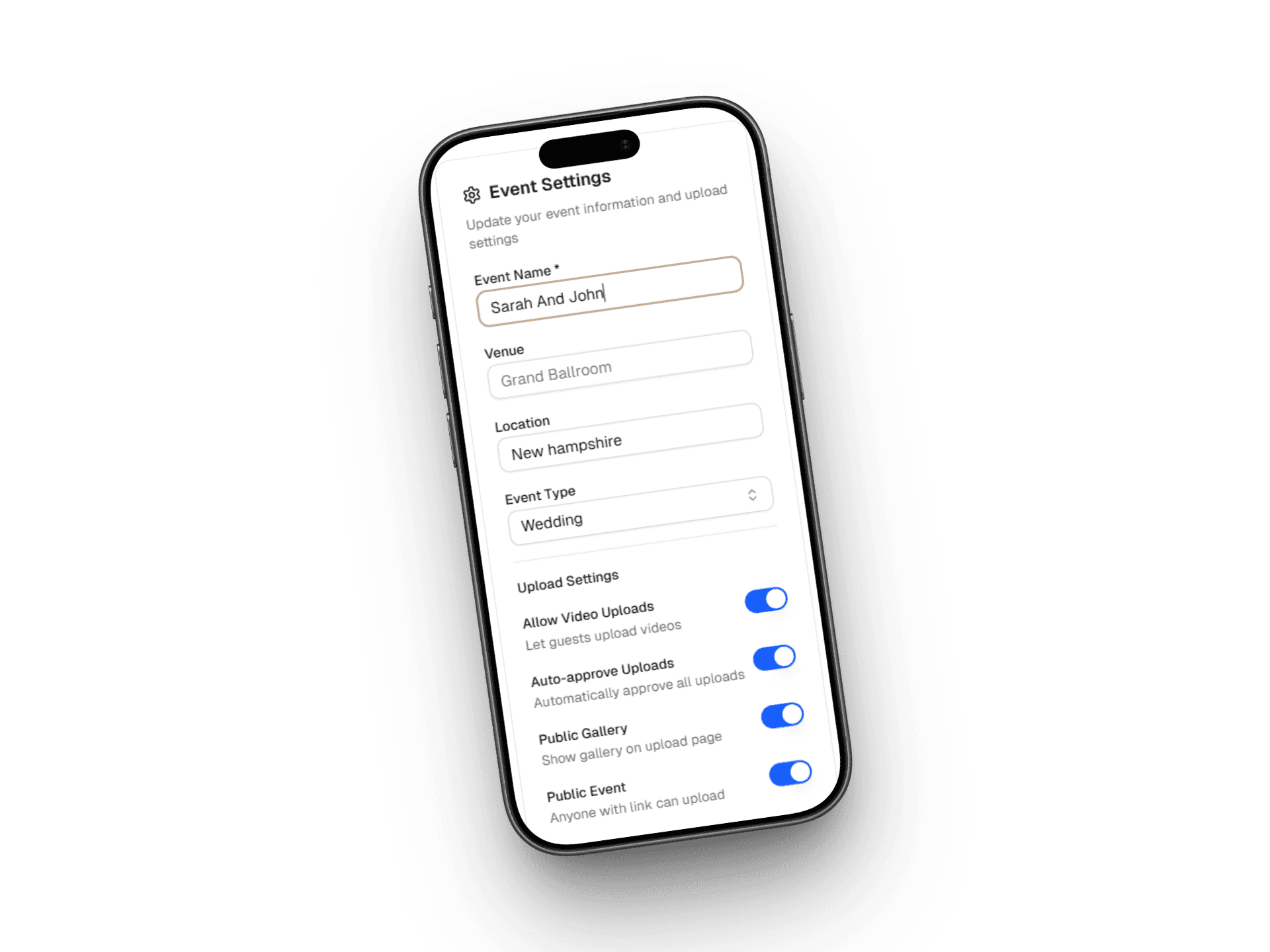
Create your event
Your gallery and slideshow are ready the moment you set up your wedding — nothing extra to enable.
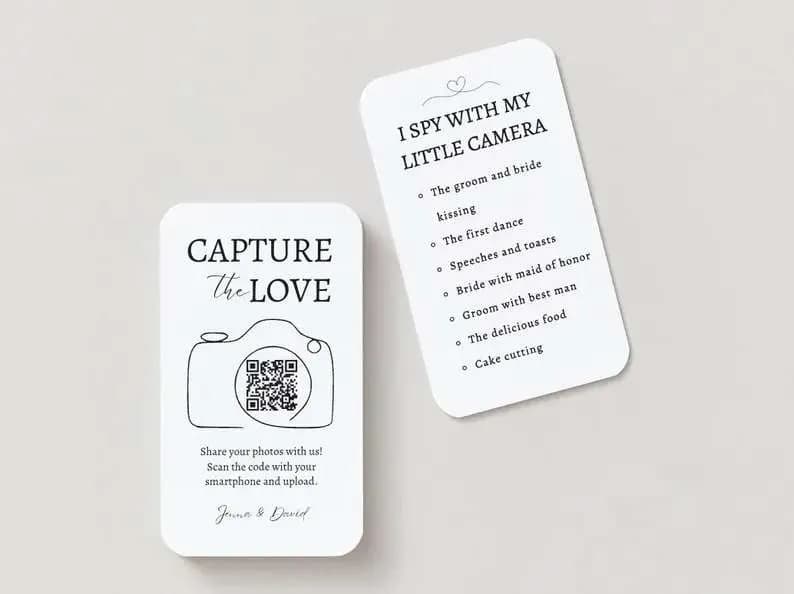
Display your QR code
Put your QR code on tables and signs so guests can start adding photos throughout the night.
Open the slideshow on any screen
Tap 'Play slideshow' and go fullscreen on a TV, projector, or laptop. It runs hands-free.
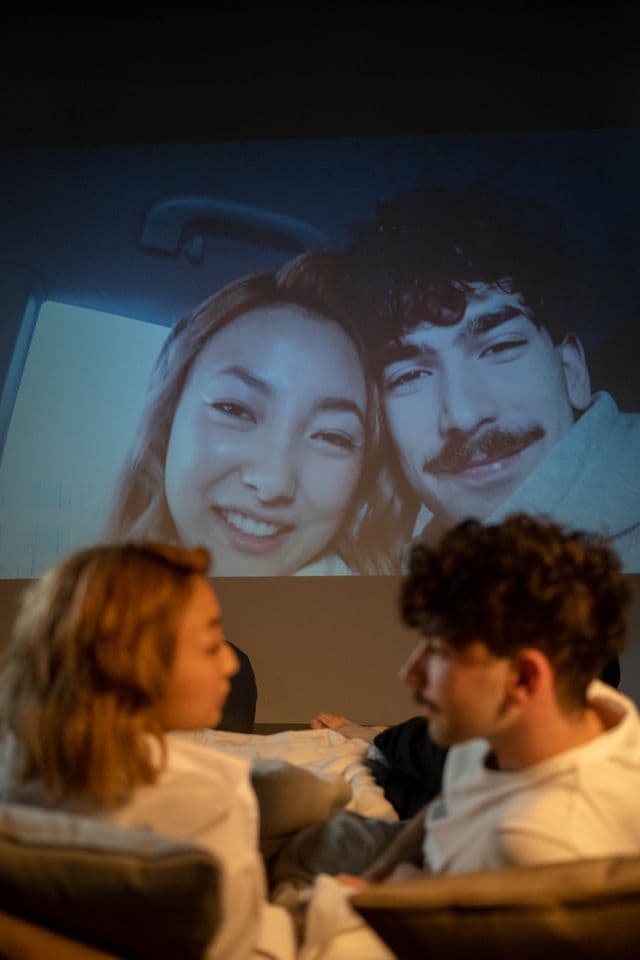
New photos appear live
As guests upload, their photos weave into the slideshow within seconds — highlighted as 'just shared'.
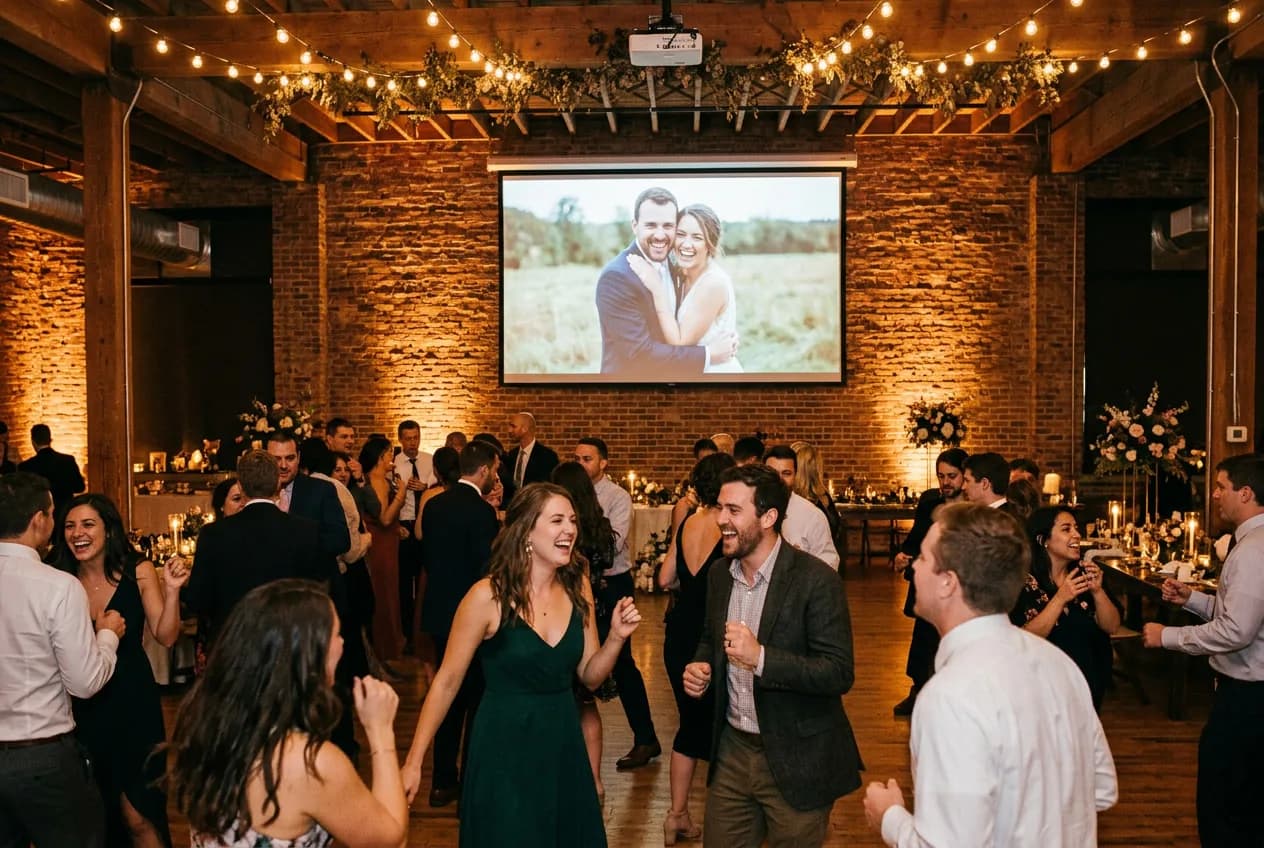
The party watches itself come to life.
Capture the moment, in the moment
Guests see their photos on the big screen seconds after taking them — which makes everyone want to share more.
Completely hands-off
Set it once and let it run. It auto-advances, shuffles, and refreshes itself all night long.
Everyone shares the joy
A live wall of memories becomes its own attraction — at cocktail hour, dinner, and on the dance floor.
Built to run all night.
Updates live
New uploads appear within seconds, highlighted as they arrive.
Any screen
TV, projector, laptop, or even a phone — it's just a web page.
Fullscreen and cinematic
Elegant fades and a gentle Ken Burns drift on every photo.
Smart shuffle
Loops through every photo and jumps to brand-new ones as they land.
Nothing to install
No apps, no cables beyond your screen — open a link and play.
Add-photos QR built in
An on-screen QR invites guests to add theirs without missing a beat.
A living backdrop for every part of the night.
Cocktail hour
Getting-ready photos set the mood as guests arrive and mingle.
Dinner
A calm, beautiful backdrop of the day's best moments behind the toasts.
Dance floor
Live shots from the party appear on screen as the energy builds.
Lounge areas
A second screen keeps the memories rolling wherever guests gather.
Better than a pre-made slideshow.
Tips for a show-stopping screen.
Pick a screen everyone can see
A projector or large TV near the dance floor or bar draws the most eyes.
Keep a device plugged in
Run it from a laptop or tablet on power so it never sleeps mid-celebration.
Put a QR code beside the screen
Guests who see the slideshow will want to add to it — make it one tap away.
Have the MC point it out
A quick mention sends a wave of new uploads to the wall.
Start it at cocktail hour
Seed it with getting-ready photos so it's already alive when guests walk in.
Let it run hands-free
No need to babysit it — the slideshow shuffles and refreshes on its own.
Couples who lit up the room.
"We had our guests upload short videos with their marriage wisdom — something we never would have done otherwise. So special to have it all years later."
"Setup took five minutes. We printed QR codes on our table cards and by the end of the night had over 600 photos — a whole different perspective from our guests."
"The best thing we added to our wedding. Our guests loved how easy it was — no app downloads, nothing to figure out."
Powered by your gallery.
Good to know.
Any screen with a web browser — a smart TV, a laptop connected to a projector, or a tablet. Open your gallery, tap 'Play slideshow', and go fullscreen.
Turn any screen into the heart of the party.
Set up your gallery, share your QR code, and let a live slideshow fill the room with memories as they happen.