Our pick
WeddingSnap
What works
- Guests scan and upload in seconds — no app
- Every photo from every guest in one private gallery
- Full-resolution originals ready for prints and albums
- One-time $39.99 with everything included
The best wedding photo sharing app
Most wedding photo apps ask your guests to install something, sign up, and remember a password. WeddingSnap doesn't. Guests scan a QR code, upload, and go back to celebrating. That's why they actually use it.
Not sure yet? See a live demo

Share The Love
Scan to upload photos & videos
Most wedding photo sharing apps look wonderful on paper, and then fall apart on the dance floor. Your 72-year-old uncle doesn't want to install anything. Your college friends forget to make an account. The signal at the venue is spotty. By the end of the night, only half your guests contributed, and most of their best photos are stuck in somebody else's camera roll.
WeddingSnap takes a gentler approach. Instead of being another app, it's a simple gallery your guests reach by scanning a QR code with the camera they're already holding. The link opens in their browser, they tap upload, and their photos land in your gallery. No store listing. No account. No forgotten password. That one small difference is why WeddingSnap collects so many more photos than traditional wedding photo apps — and why guests of every age actually use it.
How it works
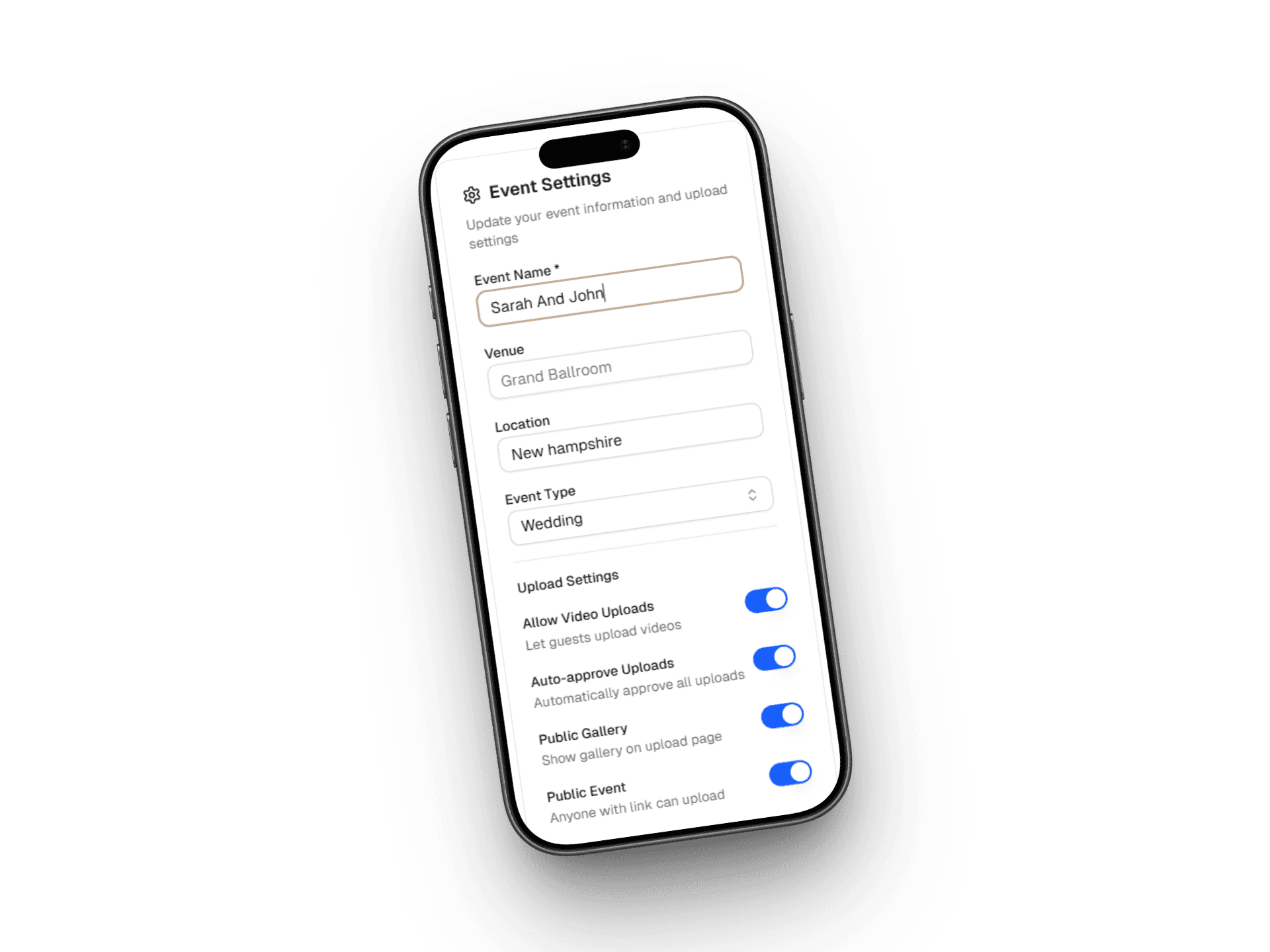
01
Add your names and your wedding date. Your gallery is live in under a minute.
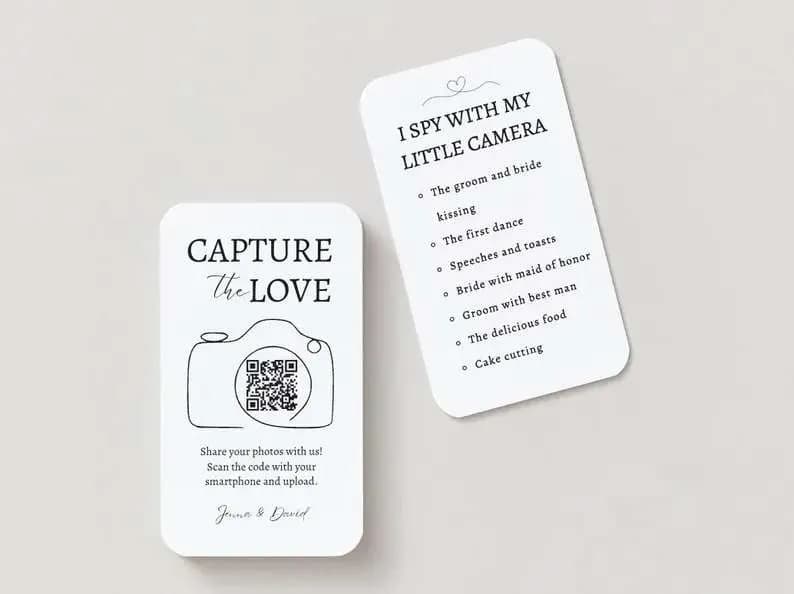
02
Print it on signs, table cards, programs, or text it to guests before the day.
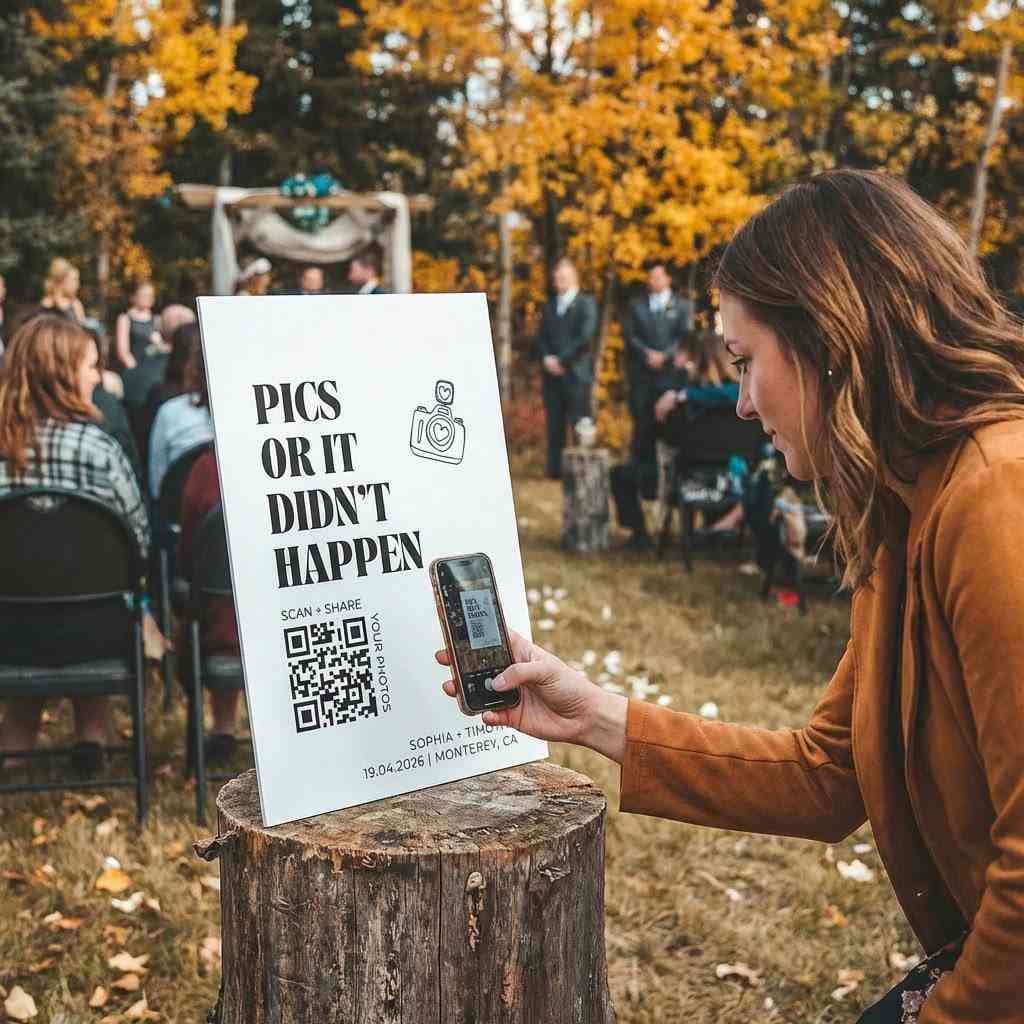
03
They point their phone camera at the code and upload. No app, no login, no help needed.
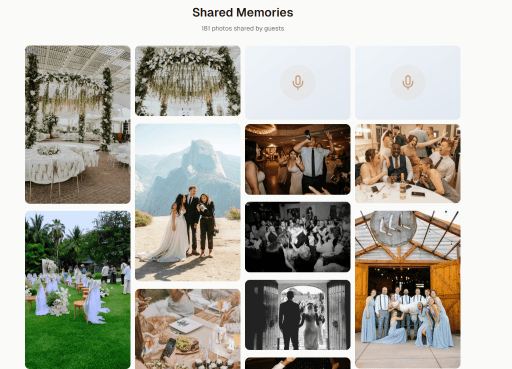
04
Curate, download, and print full-resolution photos for a full year.
Guests don't install a thing. Every phone works, including grandma's. This is the single biggest reason WeddingSnap collects more photos than any other wedding photo app.
Pay once. No subscription, no monthly fees, no upgrade-or-lose-your-photos trap.
Room for thousands of high-resolution photos and videos — more than almost any competing app offers at this price.
You get the originals. Not compressed thumbnails, not watermarked previews — the real files, ready for prints and albums.
Let guests browse everyone's photos together, or keep the full collection just for you. Your choice.
Order prints, albums, and business-card-style keepsakes directly from your gallery, and they arrive at your home.
Every photo-sharing option sounds great in the pitch. Here's what actually happens when you use them on your wedding day.
Ready to collect every photo from every guest?
Grandparents, tech-savvy cousins, and everyone in between. If they can open their phone camera, they can use it. Zero learning curve.
Pay once, keep every photo. No annual renewals, no hidden fees, no surprise charges after the honeymoon.
Guests upload at full phone-camera resolution. No compression, no watermarks, no quality caps — just beautiful originals.
Start collecting photos your guests will love sharing.
Quick answers
Still have questions?
We're happy to help you set up your wedding gallery.
No app. No subscriptions. Download every photo and keep it.
One-time payment · Set up in 60 seconds · Every photo yours
Couples using WeddingSnap in
Los Angeles · Chicago · Miami · Seattle · Boston · Dallas